MAKE IT SPECIFIC Choose a direction first. Choose up to three that feel closest. One is enough to begin.
A customer app or portal Book, buy, upload, sign or check status. + A staff app or dashboard Run the work from one shared record. + A system that exists—but fights us Customize it without starting over. + Two tools that need to talk Move records, documents, status or money. + A product idea that needs shaping Turn the idea into screens and a build plan. +
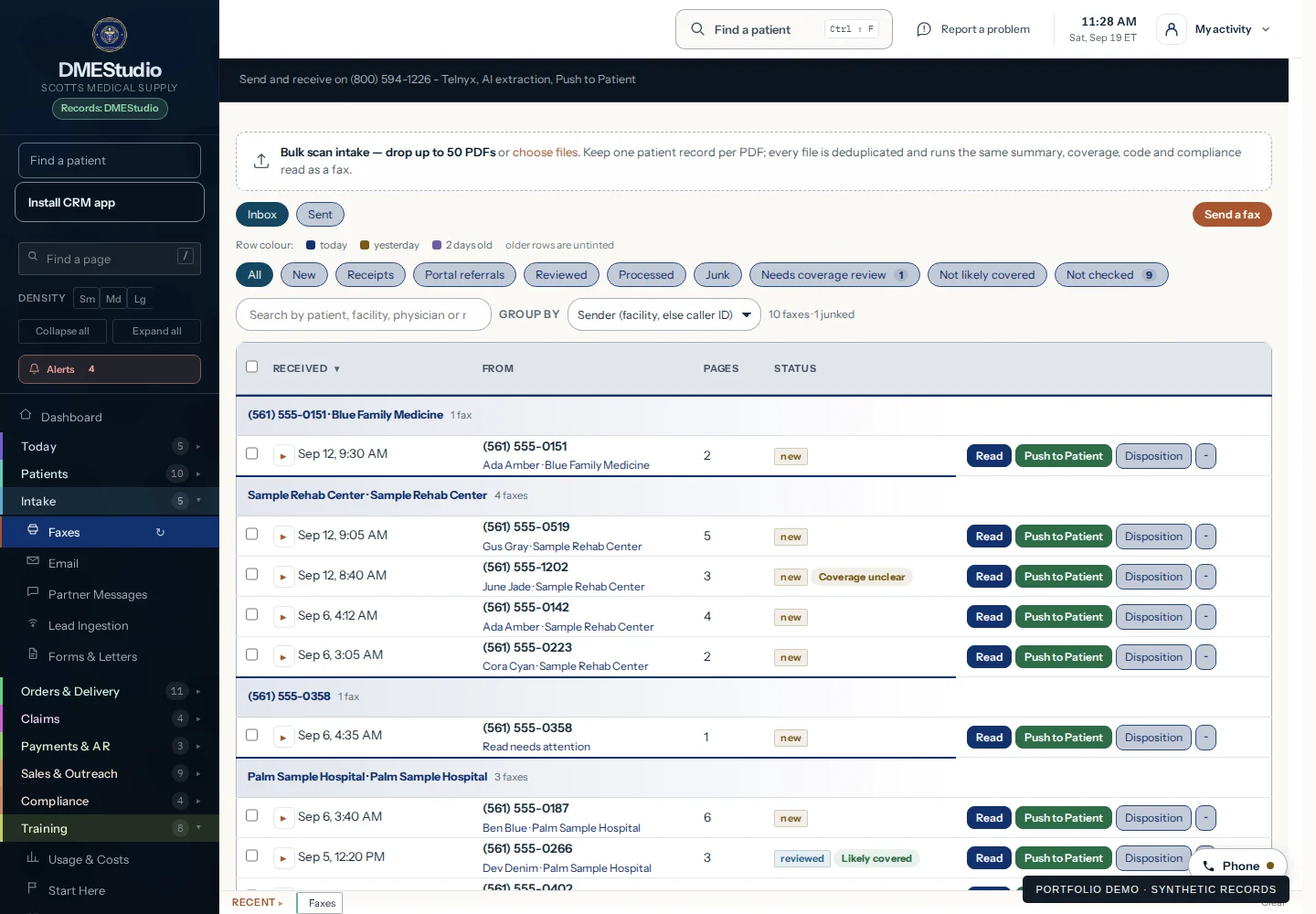
Every inquiry in one queue Phone, text, email, fax, form or referral. + Scheduling and dispatch that stay current One change reaches the office, crew and customer. + Recurring service that never slips Inspections, maintenance, pickups and renewals return when they are due. + Every site and asset keeps its history Equipment, property notes, photos and service records stay with the work. + Every job has an owner and next action Waiting, overdue and exception work stays visible. + Paperwork that follows the job Forms, signatures, photos, proof and claims. + Purchasing and stock by location See what is on the shelf, in the van and due to reorder. + Invoices and payments from the same record Deposit, balance and payment status. + Calls that need an answer path Ring groups, voicemail, transcripts and callback ownership. +
An agent for one bounded job Draft, classify, route or prepare work for review. + Rules for what AI may touch Data boundaries, tool access and permissions. + Human approval before anything leaves Put judgment at the right handoff. + Checks that catch the wrong shape Validate required fields, formats and sources. + Evaluations, logs and exception review See when quality, behavior or cost shifts. + Data moved, matched or enriched Migrate cleanly and keep source evidence. +
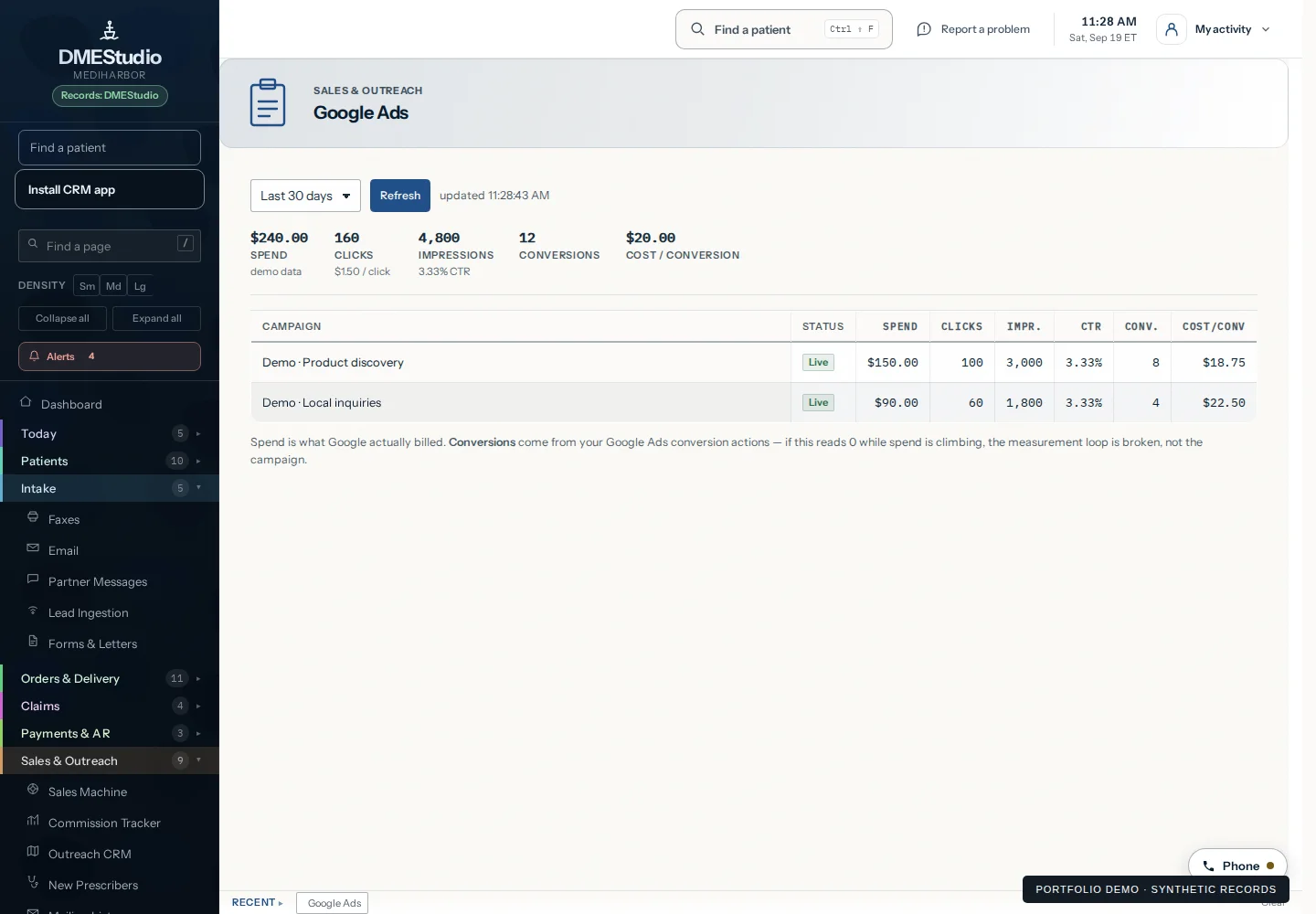
A landing page built to earn the inquiry A clear offer, useful route and trackable action. + Lead capture that does not stop at the form Route, assign and follow up. + Every lead has an owner Keep the status, next step and overdue follow-up visible. + Campaign spend beside the work it produced Connect source and cost to booked or paid work. + A brand system that stays consistent Name treatment, type, color and usable rules. + A clear view of what the work costs Software, vendors, labor and spend beside each client or project. +
Headshots for one person or a full team Planned for profiles, websites and professional use. + Photography for a product, space or brand story Capture what people need to understand. + Video for an event, interview or campaign Plan the shoot around the final channels. + Edit footage we already have Turn raw material into agreed channel-ready versions. + A podcast-ready conversation Scope the setting, recording and edits around how it will be used. +
Add the detail that changes the picture. (optional) Keep customer, patient, payment and password details out.